

Benvenuto a casa, Giocatore!
Cliccando su “Continua con il tuo account Google o Facebook” dichiari di accettare il Regolamento di Kinguin e l’Informativa sulla Privacy, così come il Regolamento NFT e l’Informativa sulla Privacy NFT.


Groupy 2 Steam CD Key
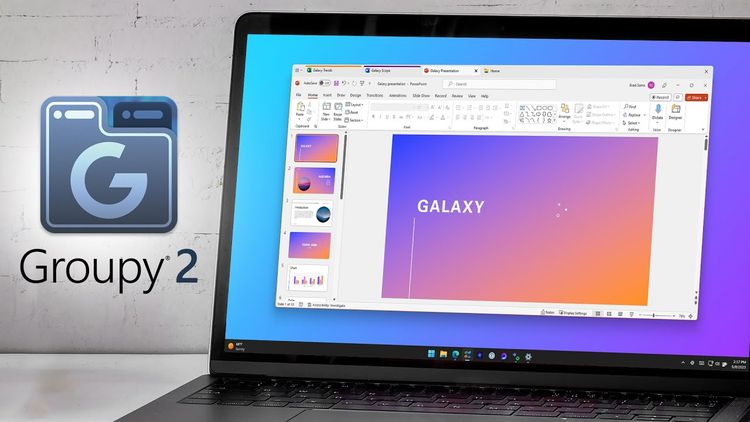
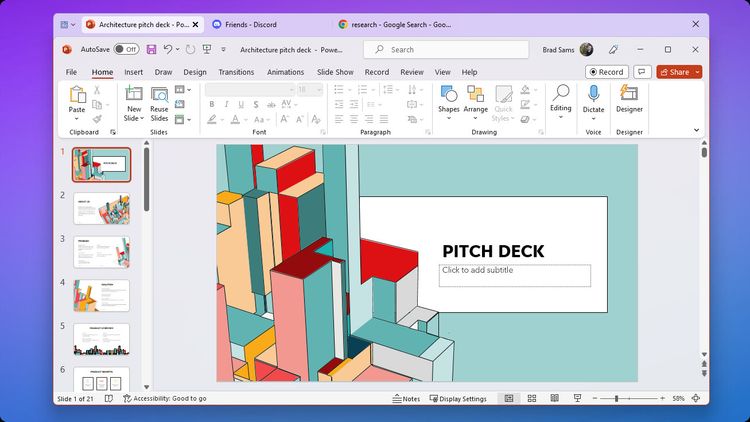
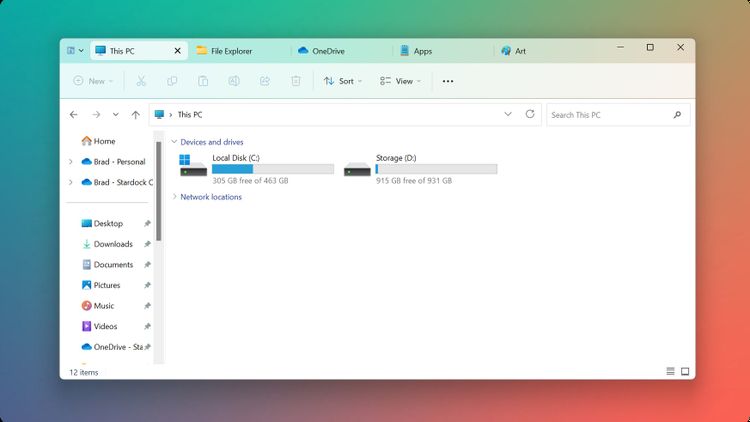
Groupy 2 is designed for Windows 10 and Windows 11. Once installed, creating groups with the app is simple: drag a window to another window, which combines into a single window, with tabs showing in the title bar. To ungroup apps, drag the tab off the group.
The new Groupings feature for Groupy 2 allows the user to save a group of applications together, pin them to the taskbar, and then launch them all at once – tabbed together and ready to go – with just a single click. The new Accents feature simplifies the process of adding a touch of color to a tab, making it easy to associate a specific task or assignment with a particular color.
Groupy 2 for Gamers
- Organize all of your gaming launchers into a single window.
- Group your streaming apps by purpose so that it’s easier to engage with your community.
- Add color to your tabs to make it easier to identify gaming or productivity apps.

Features
- Add tabs to nearly any application - Groupy makes it simple to organize open windows by adding tabs to the frame of the application.
- Automatic Grouping - Keep all the instances of the same application automatically grouped.
- Enhance your productivity with unique features - Groupy gets you back into the flow faster.
- Groupings streamline your app experience - With a single click, launch multiple applications from the taskbar.
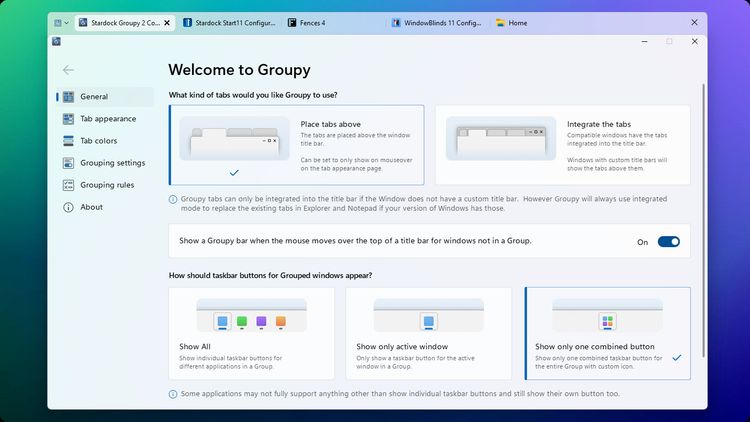
- Colored to Perfection - By adding an accent to your tabs, easily organize your open applications by type, project, or purpose.
- Perfectly designed to match the desktop - Groupy 2 is designed to blend seamlessly with your desktop.
- Multiple design options - With several different layouts, Groupy 2 lets you customize the tab experience.
- Modernized from the ground up - Groupy 2 supports native Windows 11 features and is optimized to work with Windows 10 too.