

By clicking Continue with Google or Facebook, you agree to Kinguin's Terms & Conditions and Privacy Policy, also to NFT Terms & Conditions and NFT Privacy Policy.
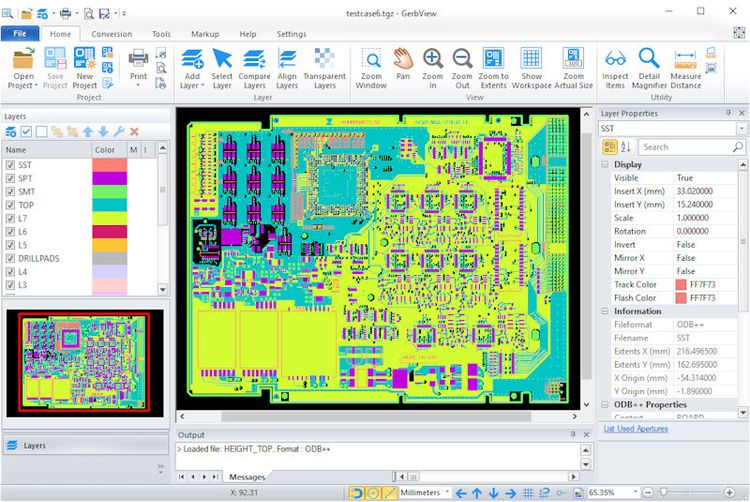
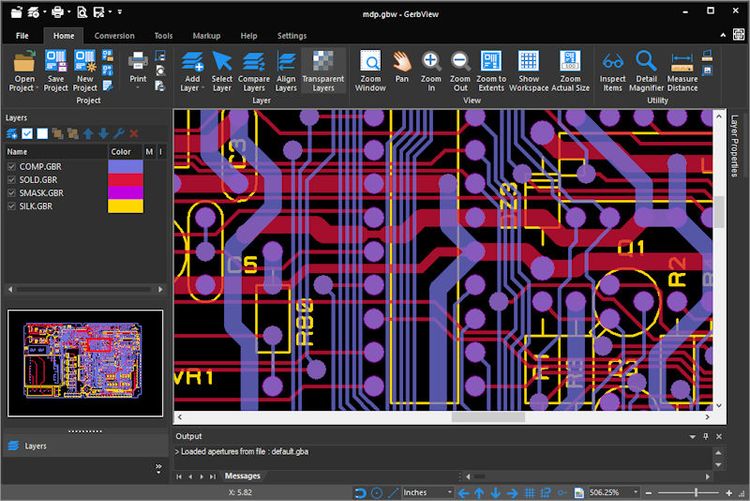
GerbView is an advanced but easy to use application that enables you to view, print and convert Gerber, ODB++, Adobe PDF, Excellon, HPGL/2 and other formats.
GerbView supports both RS-274D and RS-274X Gerber formats, and you can use it to convert your older Gerber files to the new RS-274X extended format. The new extended Gerber format contains embedded aperture information and using this format will minimize the risk for errors during the manufacturing of the PCB.
With GerbView's PDF to CAD capability you can convert your Adobe PDF files to Gerber or Autodesk DXF.
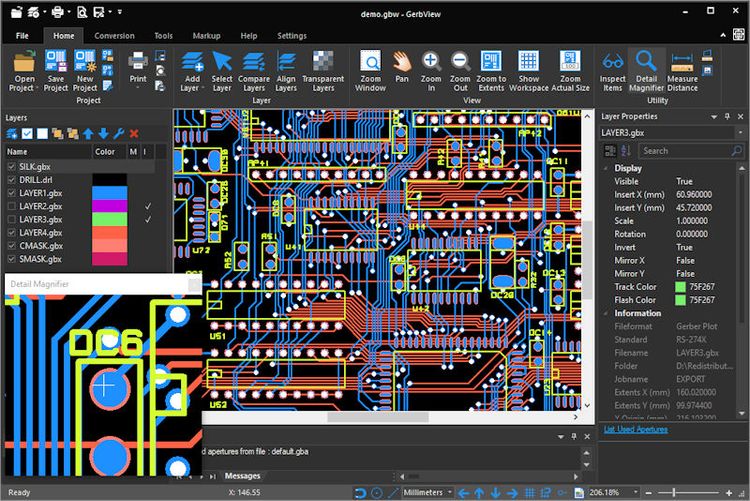
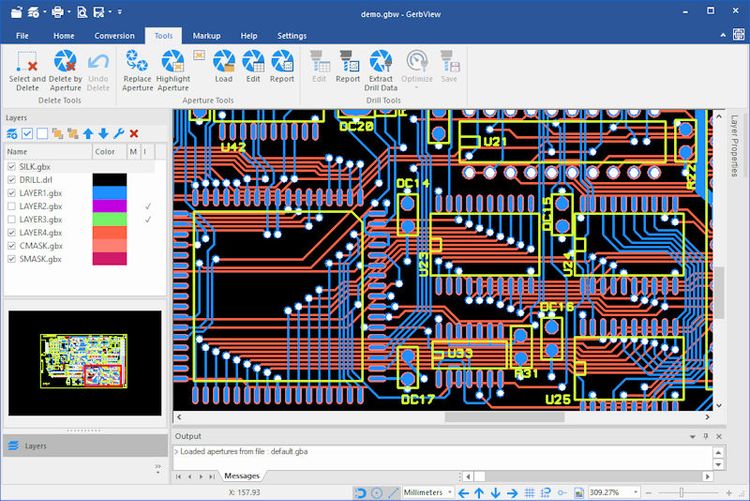
Gerbview will visualize your design, on the screen or in hardcopy. You no longer have to wait for a prototype circuit board to see your true design. Use the accurate measure and query tools to check apertures, tools, distances and more.
In GerbView you work with a workspace that can contain one or more files of the supported file formats. The workspace can be saved for later use. The saved workspace will link to your design files, so only need to reload the workspace file to see the whole design.
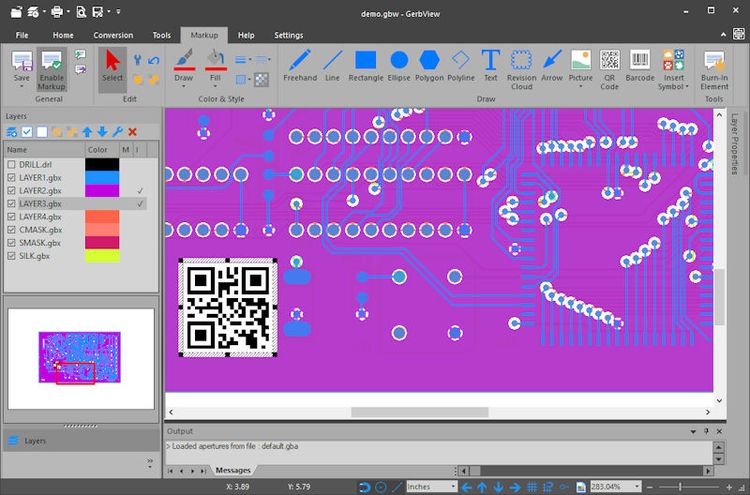
Markup elements like text, barcodes, arrows, lines, images, ellipses and polygons can be added to the workspace. All markup elements can be burned-in and become part of a Gerber layer. You can by using this feature easily add, for example, text or barcode images to a layer.
