Easy like Sunday morning
MindManager simplifies the way you process and manage information. Turn scattered ideas and data into clear visual maps that are easy to build, organize, evolve, and share.
Features
- Enhance your personal productivity
- Text accelerators
Take your projects into the fast lane by adding resources and tags to your topics simply by typing ‘@’ or ‘#’ followed by the resource or tag name.
- Drag and drop
We often tend to think non-linearly. MindManager helps you get your ideas down as quickly as you can think of them. Seamlessly move everything around later by simply dragging and dropping.
- Priority markers
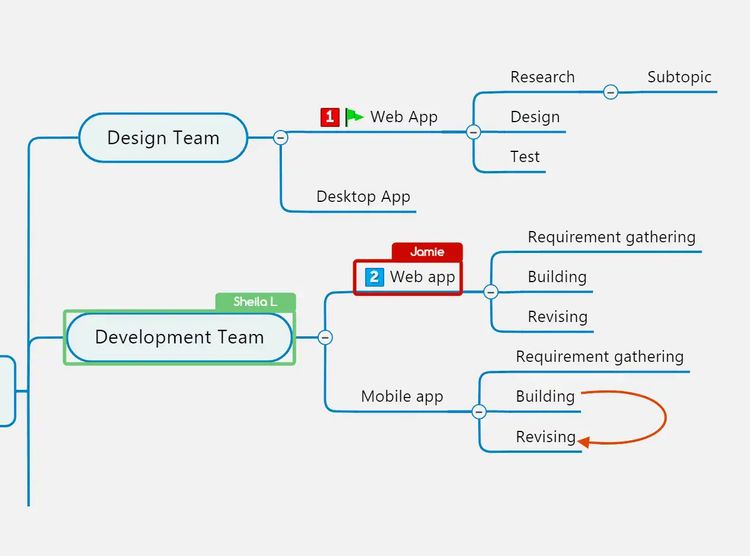
There’s a lot to do in the day. It’s critical to keep focused on what matters most. Priority markers in MindManager provide an at-a-glance view of what requires immediate attention and what can wait.
- Filtering
You’ve added priority markers and other icons as visual cues. Now you can easily filter your maps and see only what you want with just a couple quick clicks.
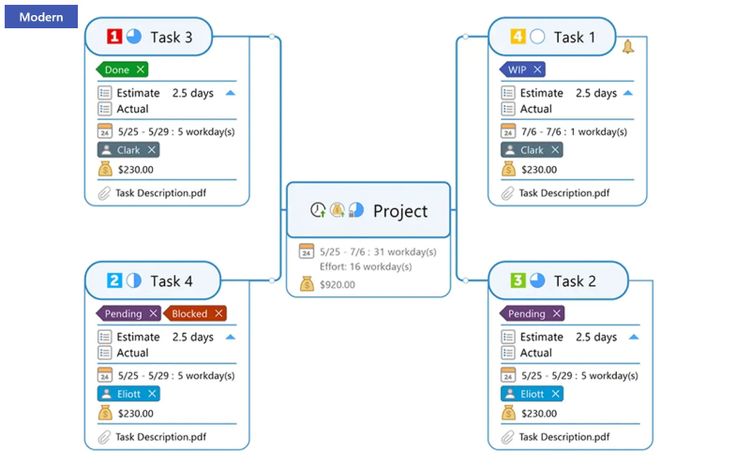
- Topic info cards
Hide supplemental information to keep your map free of clutter, while retaining quick access to everything. Drag and drop info from cards to topics and vice versa.
- Built-in templates
Start a diagram from a blank slate or a library of built-in templates to suit any industry. Create powerful strategic plans, build projects from scratch, and track all the details, develop seamless process flows, and more.
- Organize your work and life
- Organize and structure
Simply and intuitively gather knowledge and data, including from external sources. Keep all your links, documents, images, notes, business data, key figures, and tasks in one place, and focus your attention where it matters most.
- MindManager Snap
Snap up ideas or content in real time through your desktop, browser, or mobile device. Simply send thoughts, links, documents, images, and more to yourself and it will be waiting in your Snap queue the next time you open MindManager.
- Map part sharing
Instantly send map parts to yourself by adding them to your Snap queue. The map parts can then be added to any other map, useful when needing the same data or information in another diagram.
- Dynamic views
See your content, plans, projects, and processes from every perspective with a view for any situation, including map view, icon view, and tag view.
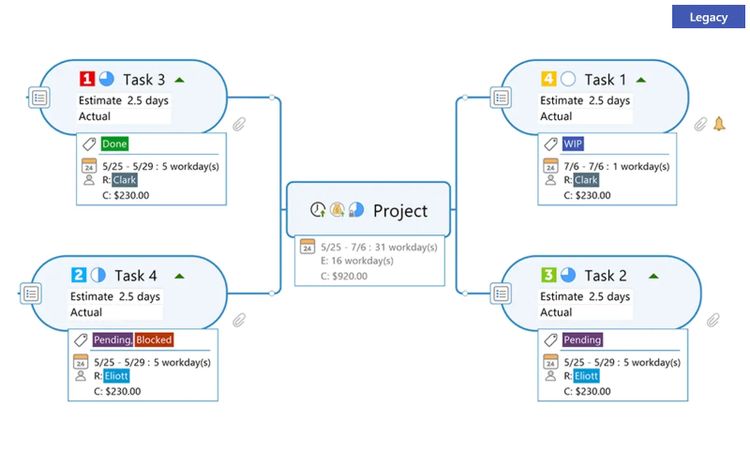
- Modern topic info style
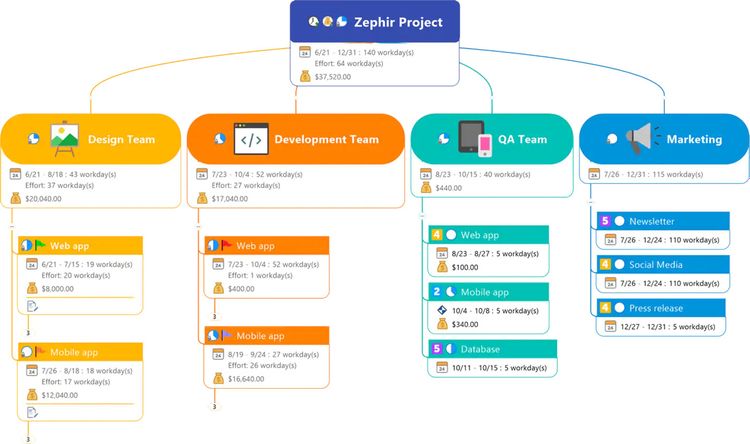
Gain greater flexibility over the way your information is displayed. With a fresh new design, the new topic info style is more clear, concise, and customizable.
- Bring freedom to your plans, projects, and processes
- From idea to execution
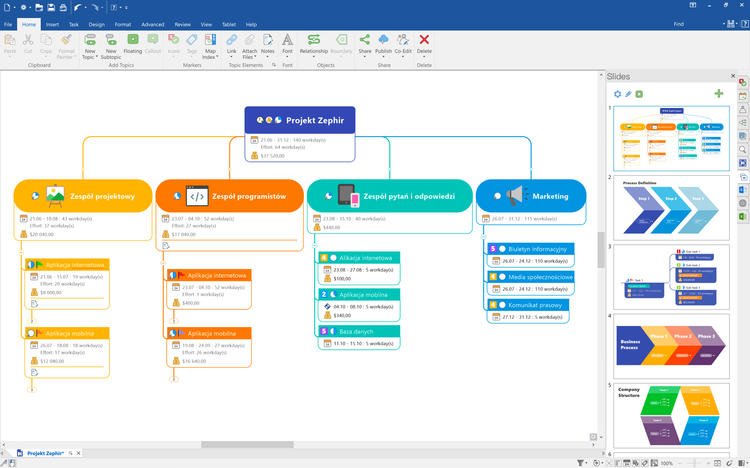
Evolve a brainstorm into an executable strategy, process, or plan in the same application. Enrich tasks with resources information, deadlines, notes, and other metadata that keep teams and projects focused and on track.
- Project cost tracking
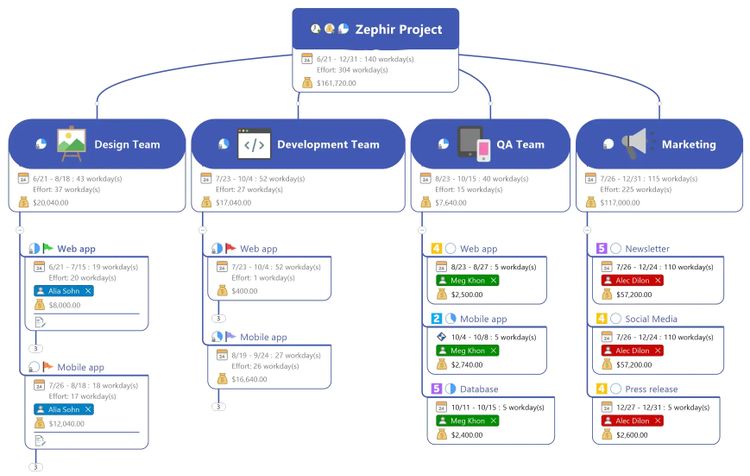
Quickly add individual costs into your project maps, easily update them, and sum totals with a simple click, for instant visibility into one of your project’s most critical elements.
- Explore flowcharting possibilities
With MindManager, you have the freedom to combine various diagram types and views into one, so you’re never limited to one type of flow. Make use of filtering and dynamic views to quickly focus and change perspectives.
- Object shapes
Maximize the impact of your diagrams and flowcharts. MindManager offers a host of built-in industry-standard shapes to help represent any situation needed.