
Benvenuto a casa, Giocatore!
Cliccando su “Continua con il tuo account Google o Facebook” dichiari di accettare il Regolamento di Kinguin e l’Informativa sulla Privacy, così come il Regolamento NFT e l’Informativa sulla Privacy NFT.
Prima volta su Kinguin?
Crea un account!MinecraftFortniteRobloxValorantValheimLeague of LegendsMonster Hunter WildsAssasin's CreedHogwarts LegacyPalwordValheimStar WarsWorld of WarcraftDiablo IVPath of Exile IICall of DutyCounter-Strike 2 ValorantRustElden RingLies of PDark SoulsEA SPORTS Madden NFL 26NBAF1Football ManagerFortniteSteamEpic GamesBattle.netUbisoftgog.comMS Store Rockstar GamesEA AppPlaystation 5Playstation 4Xbox Series S|XXbox OneNintendoMeta QuestAndroidiOSFPSActionAdventure GamesRPG VR GamesStrategy GamesRacingOpen WorldHorrorSimulationSportSurvivalVisual NovelMMOLife SimulatorCasualPlatformerTPSHidden ObjectsAnimeCooperationFightingHack & SlashMusic / SoundtrackPoint & ClickPuzzleStory RichBest-selling Mystery Keys Special EditionsTry to getHidden Robux PackMystery Fortnite SkinsLEGO Mystery KeysMystery Games – by GenreMystery Multi-Key BundleVR Mystery KeysUnder 5 EURUnder 10 EURUnder 50 EURUnder 100 EUROver 100 EUR and moreIngame CurrenciesIngame ItemsGame Top-UpsBoosted AccountsGame BoostingGame top-upsApp & Subscription top-upRoblox ItemsFortnite V-Bucks & AccountsMinecraft CoinsPokemon PokecoinsLeague of Legends RPGTA 5 Cash & AccountsElden Ring RunesClash of Clans GemsMonopoly GO! Dice & StickersArc Raiders Coins & ItemsDelta Force CoinsValorant PointsApex Legends CoinsPUBG UCArena Breakout: Infinite BondsMarvel Rivals LatticesTom Clancy's Rainbow Six SiegeBorderlands 4 MoneyWorld of Warcraft GoldPath of Exile 2 OrbsDiablo IV Gold & ItemsWarframe PlatinumAlbion Online SilverRuneScape - OSRS GoldWhiteout Survival Frost StarsFallout 76 Caps & ItemsAion 2 KinahGenshin Impact CrystalsHonkai: Star Rail Oneiric ShardZenless Zone Zero MonochromeWuthering Waves LuniteArknights: Endfield OrigeometryHonor of Kings TokensMapleStory MesosSolo Leveling: Arise Diamonds7DS: Origin Star MemoryStar Citizen aUECGrowtopia LocksOnce Human Energy LinkWhere Winds Meet Echo BeadsNeverness to Everness RiftcrystalFC 26 Coins & PointsForza Horizon 6 CreditsMadden NFL 26 CoinsMLB The Show 26 StubsSteamXbox Game PassPlaystation PlusWorld of WarcraftEA PlayNintendo Onlinechess.comTwitchCrunchyrollAmazon Prime VideoNetflixTikTokYouTubeSpotifyTidalDeezerXbox LivePlaystation StoreSteam Nintendo eShopValorantRobloxLeague of LegendsWorld of WarcraftRazer GoldLieferandoAmazonAirbnbZalandoIKEAAppleiTunesDiscordTinderNetflixBinanceAztecoGift MeCrypto VoucherBitJemEdit Like you Mean it.Gaming ToolsProtect your PCLevel Up to Windows 11Best Productivity ToolsAdobe toolsStay safe onlineCreative toolsPersonal DevelopmentIObit Driver Booster ProCCleaner Advanced SystemCare ProNoPingExpress VPNHMA! Pro VPNNordVPNParallels DesktopCrossOverESET Internet SecurityBitdefender Total SecurityAVASTNorton 360 for GamersWindows HomeWindows ProfessionalWindows Enterprise Windows ServerMore WindowsWindows BundleParallels DesktopVMwareCrossOverEsetBitdefender KasperskyNortonAvastTrend MicroMcAfeeAdGuardF-SecureExpress VPNNordVPNHMA! Pro VPNSurfsharkAdGuard CyberGhost VPNMS Office HomeMS Office ProfessionalMS Office 365 MS Project MS OutlookMS VisioOffice BundleAdobe AcrobatNitro PDFPDFZilla Adobe Creative Cloud Adobe PhotoshopAdobe Substance 3D More AdobeVEGAS Pro CorelDrawWondershare Filmora Affinity SoftwareAbleton LiveNeroVoicemod PROCCleaner IObit Laplink PCmover EaseUS NoPing3DMarkWinZipAOMEIMiniToolAshampooRevo Uninstaller ProNeroGame AccountsGame Top-UpsCrypto CurrenciesMobile RechargesRoblox Game Items


Element Steam CD Key
Come attivare la Chiave
Lingue
Scelti per te
Data di rilascio: 27/07/2018
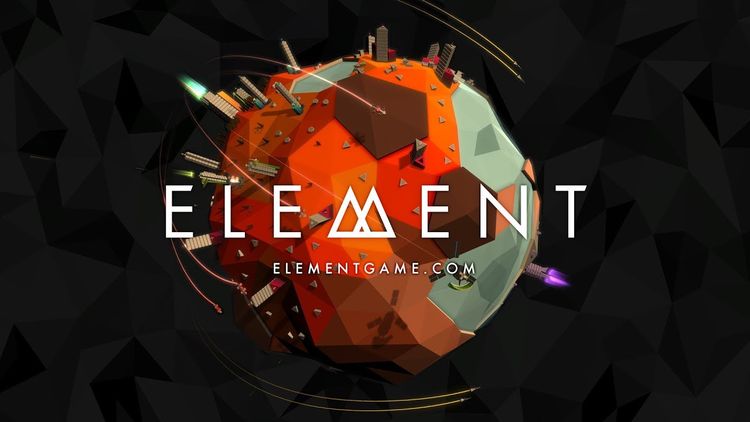
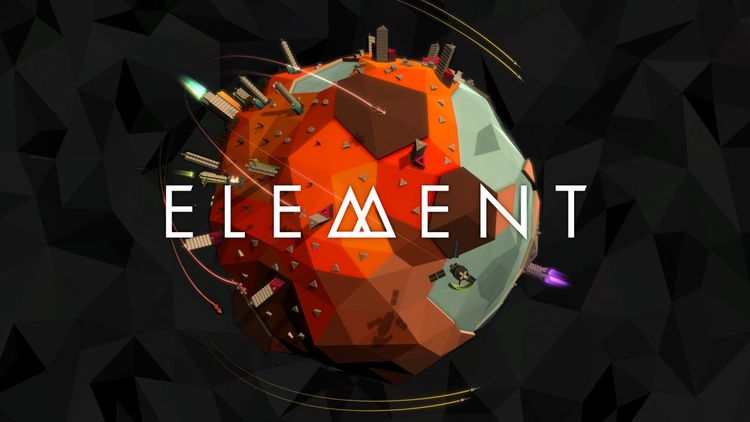
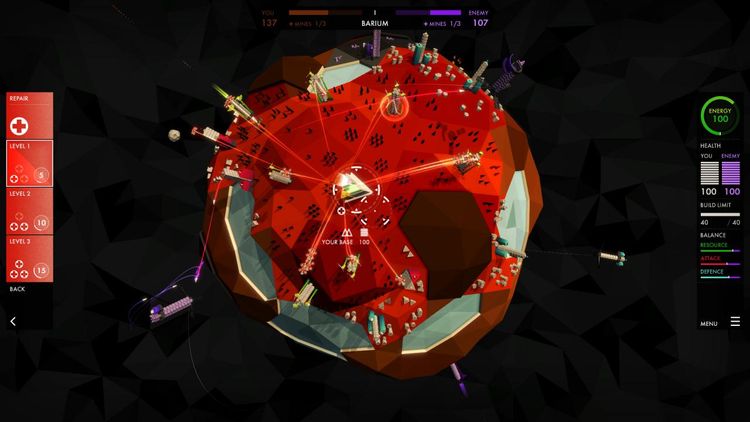
Element è un gioco spaziale in tempo reale per le persone che non hanno tempo per giocare ai giochi spaziali in tempo reale.
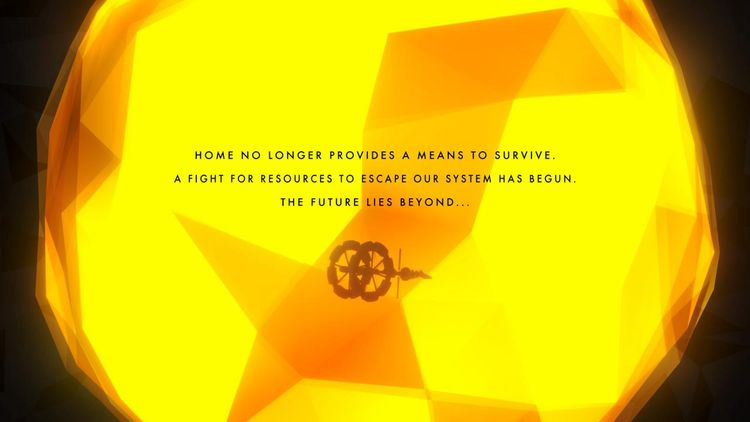
La nostra casa non fornisce più i mezzi per sopravvivere.
Una lotta di risorse per sfuggire al nostro sistema solare e' iniziata.
Il futuro si trova oltre…
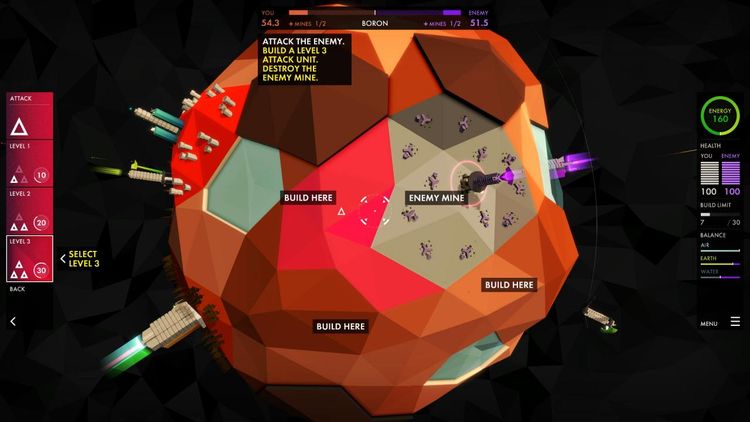
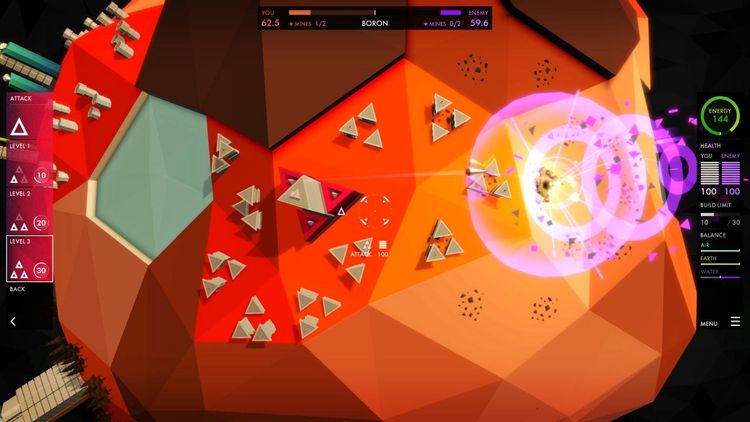
Element è un gioco spaziale di strategia in tempo reale visivamente stupefacente con un focus sulla modalità di gioco nitida e accessibile.
Element è per gli amanti di giochi dall'aspetto originale e meravigliosamente realizzati. È per le persone che amano lo spazio e giochi di strategia, ma non hanno ore di tempo per investire. È anche per i giocatori che amano lanciare missili e far saltare cose in aria :)
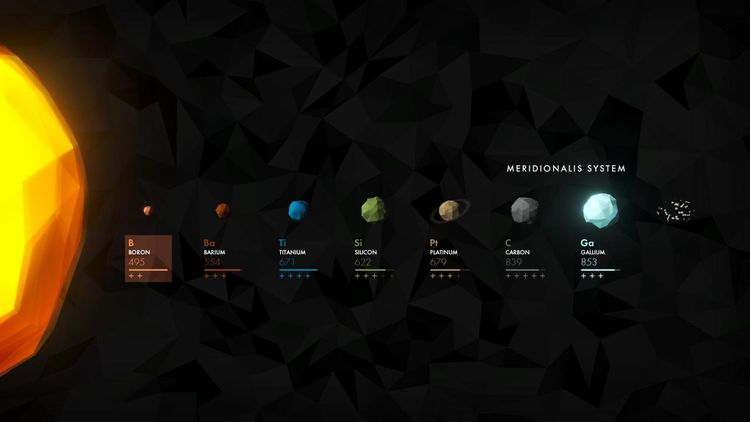
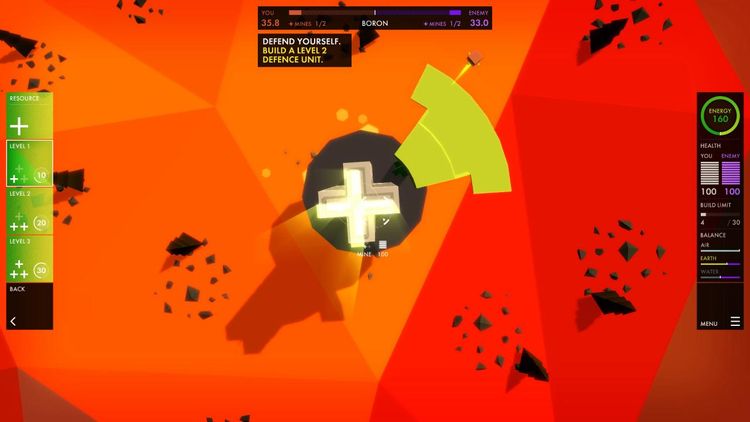
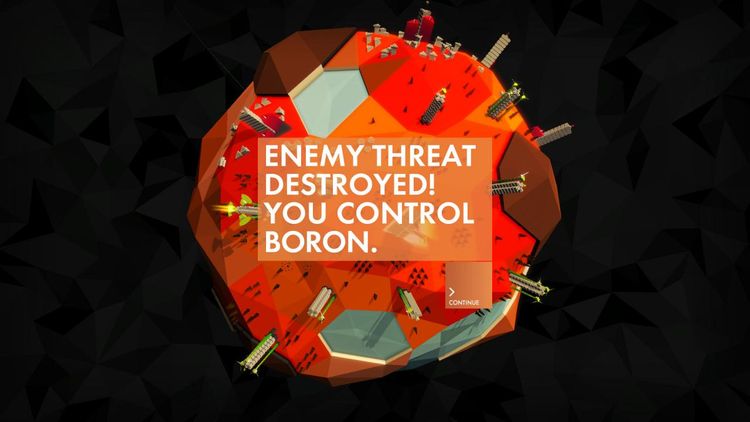
Stai sfuggendo da un sistema solare in decomposizione. Devi visitare ogni pianeta, estrarre elementi a sufficienza e sconfiggere il nemico per progredire verso i pianeti esterni e oltre. Genera energia, mina elementi, costruisci unità di attacco e difesa e distruggi il nemico mantenendo un equilibrio tra terra, aria e acqua.
Game Input.
Element supports keyboard, mouse, keyboard and mouse, touch on supported platforms, and a game controller. Any method of input can be used at any time. Our preferred input method is a game controller with rumble support.
Game controller support on Windows and macOS uses native input libraries and supports XInput devices where possible. Supported platforms also allow rumble and lighting for selected controllers (eg. PS4 or XBox One Controller), and the ability to connect game controllers at any time. Legacy input requires game controllers to be connected before the game launches.
Game Speed.
The game speed can be adjusted using the -/+ keys to super-slomo and accelerate time while playing. Use '0' to reset to normal speed. Pause in-game using the menu button on the right side of the screen, pressing 'P' or 'Escape' on the keyboard, or using the menu/option button on your game controller. The game view can be fully controlled while the game is paused.
Screenshots.
You can save a screenshot to your standard pictures folder using '.' on the keyboard. Use 'Shift+.' to take a high-resolution screenshot.
In-game you can toggle free-camera mode using 'Shift+Alt+C' to fly around slowly, and use 'Shift+Alt+M' to toggle menu visibility. The free-camera mode can be used while playing or paused and is intended mainly for beauty shots rather than gameplay.
Notes.
The game requires a vertical resolution of at least 640px and our recommended minimum resolution is 720p. The game will happily render up to 4K/2160p. Linux support for Element is considered experimental but we are continuing to support it.
Element è un gioco spaziale in tempo reale per le persone che non hanno tempo per giocare ai giochi spaziali in tempo reale.
La nostra casa non fornisce più i mezzi per sopravvivere.
Una lotta di risorse per sfuggire al nostro sistema solare e' iniziata.
Il futuro si trova oltre…
Element è un gioco spaziale di strategia in tempo reale visivamente stupefacente con un focus sulla modalità di gioco nitida e accessibile.
Element è per gli amanti di giochi dall'aspetto originale e meravigliosamente realizzati. È per le persone che amano lo spazio e giochi di strategia, ma non hanno ore di tempo per investire. È anche per i giocatori che amano lanciare missili e far saltare cose in aria :)
Stai sfuggendo da un sistema solare in decomposizione. Devi visitare ogni pianeta, estrarre elementi a sufficienza e sconfiggere il nemico per progredire verso i pianeti esterni e oltre. Genera energia, mina elementi, costruisci unità di attacco e difesa e distruggi il nemico mantenendo un equilibrio tra terra, aria e acqua.
Game Input.
Element supports keyboard, mouse, keyboard and mouse, touch on supported platforms, and a game controller. Any method of input can be used at any time. Our preferred input method is a game controller with rumble support.
Game controller support on Windows and macOS uses native input libraries and supports XInput devices where possible. Supported platforms also allow rumble and lighting for selected controllers (eg. PS4 or XBox One Controller), and the ability to connect game controllers at any time. Legacy input requires game controllers to be connected before the game launches.
Game Speed.
The game speed can be adjusted using the -/+ keys to super-slomo and accelerate time while playing. Use '0' to reset to normal speed. Pause in-game using the menu button on the right side of the screen, pressing 'P' or 'Escape' on the keyboard, or using the menu/option button on your game controller. The game view can be fully controlled while the game is paused.
Screenshots.
You can save a screenshot to your standard pictures folder using '.' on the keyboard. Use 'Shift+.' to take a high-resolution screenshot.
In-game you can toggle free-camera mode using 'Shift+Alt+C' to fly around slowly, and use 'Shift+Alt+M' to toggle menu visibility. The free-camera mode can be used while playing or paused and is intended mainly for beauty shots rather than gameplay.
Notes.
The game requires a vertical resolution of at least 640px and our recommended minimum resolution is 720p. The game will happily render up to 4K/2160p. Linux support for Element is considered experimental but we are continuing to support it.
Valutazione di prodotto