
Kinguin logo

Welcome home, player!

By clicking Continue with Google or Facebook, you agree to Kinguin's Terms & Conditions and Privacy Policy, also to NFT Terms & Conditions and NFT Privacy Policy.

New to Kinguin?
Sign up now!
  • FAQ
(0 Reviews)
Platform
Steam
Edition

Cthulhu Mythos ADV: The Isle Of Ubohoth PC Steam CD Key

Sold by
MGG Studio
96.38% of 408496 ratings are superb!
3 more offers available starting from
$31.91
Your transaction is secure
We're working hard to protect the security of your payments. We have a dedicated Fraud Prevention and Response Department working 24/7 to ensure safe transactions. We have implemented custom systems to screen out potential scammers and we have partnered with Ravelin, one of the world's best fraud prevention platforms. We don't share your payment details with third-party sellers and we don't sell your information with others.
Key activation
Languages
Release date: 27/06/2024

STORY

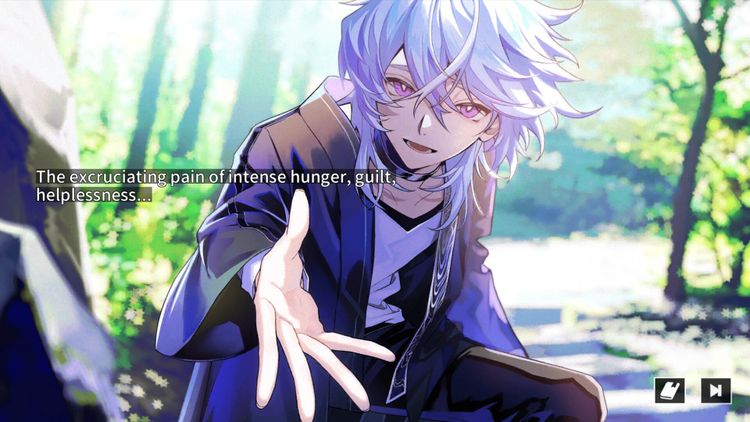
On a mysterious island in the Seto Inland Sea, an urban legend tells that completing the "88 Temples Pilgrimage" will summon Kukai, who will grant your wish. Our protagonist, visiting this island, is suddenly cursed by an unknown entity, putting their life in jeopardy. Can they prevent the resurrection of an ancient evil god sealed on the island and break the curse? 

FEATURES

・Player Stats and Appearance Customization

Answer questions to shape your protagonist’s stats.

Enjoy thrilling dice rolls with challenging stats, and for an added layer of immersion, you can even replace the protagonist’s image.

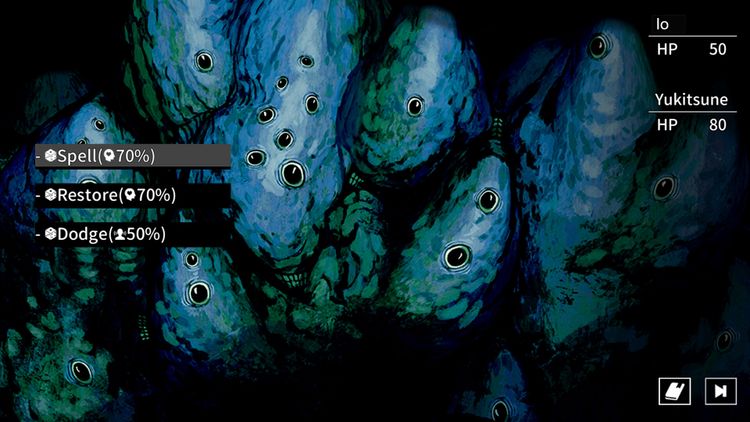
・Dice Roll Choices

In critical moments, the outcome of choices is determined by dice rolls. The success rate depends on the abilities of the protagonist and their companions. Sometimes, you will face scenes where you must succeed within a time limit!

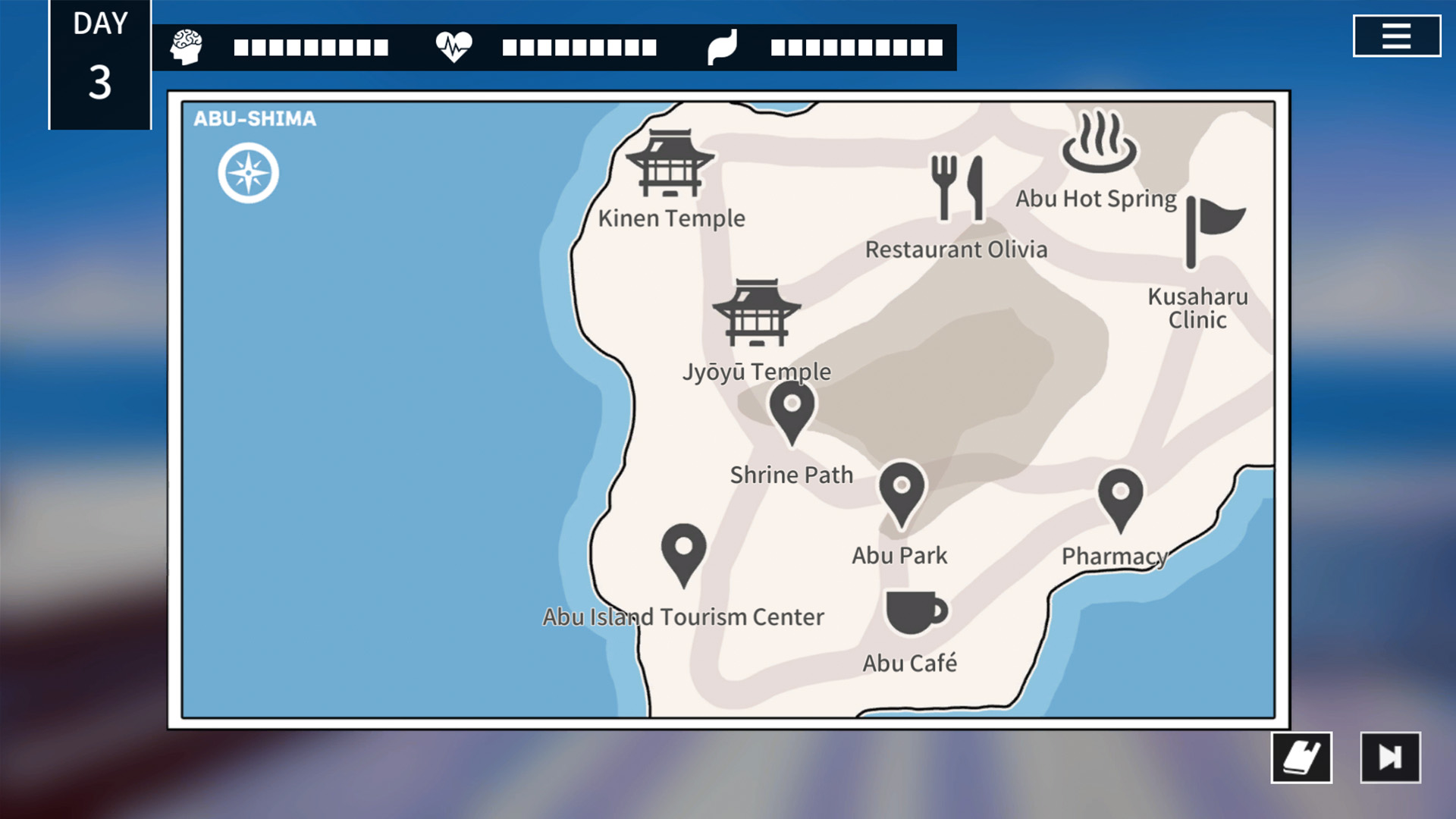
・Explore the Map

Search for clues to break the curse as you travel around the island.

Keep an eye on your hunger level—it decreases with each move and can impact your dice rolls.

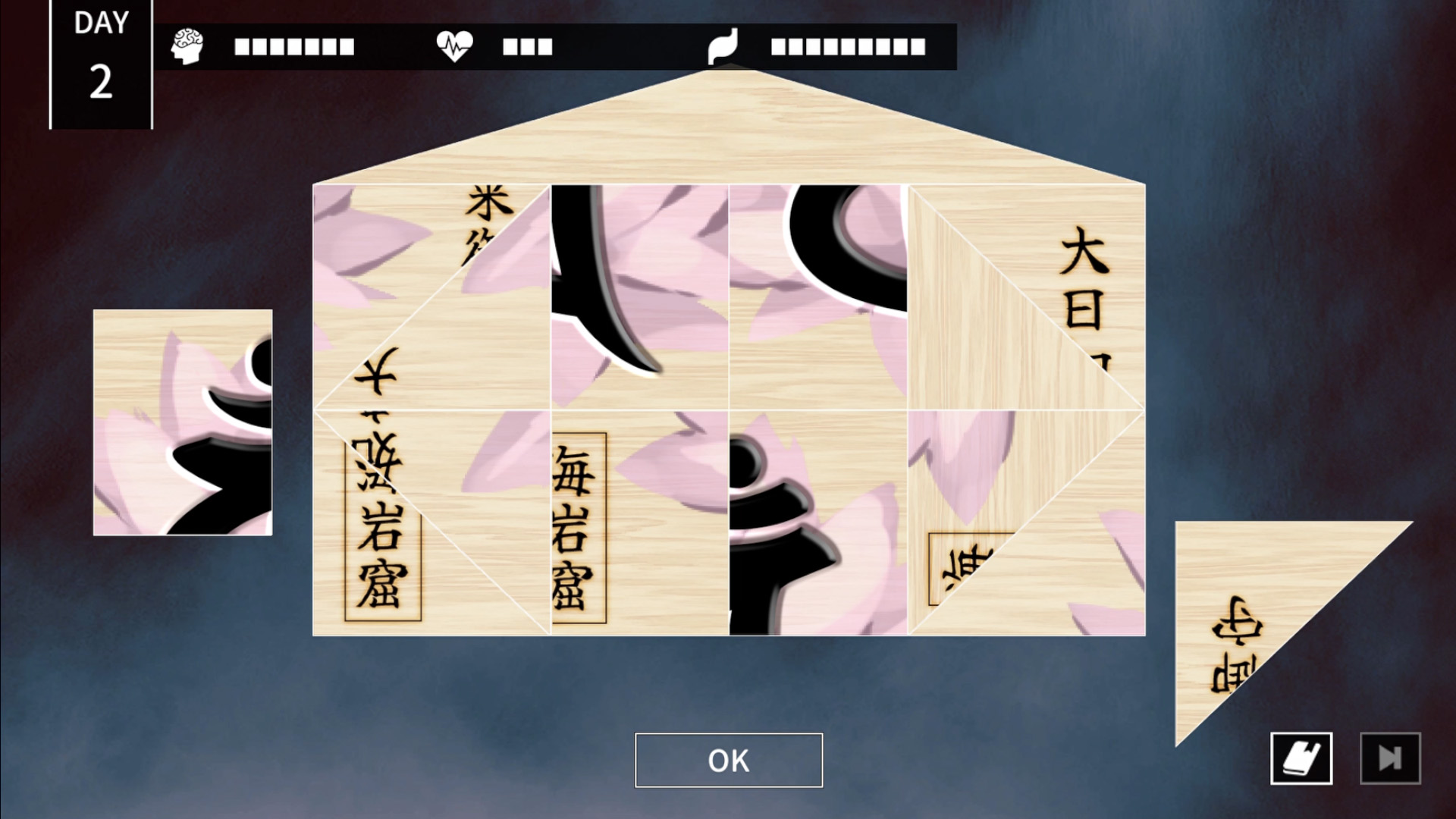
・Solve Mysteries

Unravel cryptic notes and solve puzzles to uncover the island’s hidden truths.

CHARACTERS

Hatsumi Amasawa CV:Mayu Mineda

A friend of the protagonist and a university student.

Cheerful and friendly with everyone, likely due to her good upbringing.

Has a fondness for occult content like horror and urban legends.

Reiji Kaga CV:Haruki Ishiya

A friend of the protagonist and a university student.

Although he excels academically, he postpones job hunting to focus on his hobbies and part-time jobs.

While his interests in horse racing and pachinko haven't yielded great results, his excellent memory and insight make him unbeatable at mahjong.

Hotaru Natsunagi CV:Yuki Tanaka

A girl living on the island.

Due to her frail health, she's never left the island and yearns for city life.

After an unexpected encounter with the protagonist, the wheel of fate for both her and the island begins to turn.

Yukitsune Saeki CV:Yuya Hirose

A young man living on the island.

Possesses mysterious powers and spends his days helping others.

Claims the protagonist is his "destined person," but his true intentions remain unclear.

Keiyū Natsunagi CV:Hidenobu Kiuchi

Hotaru’s father.

OTHERS

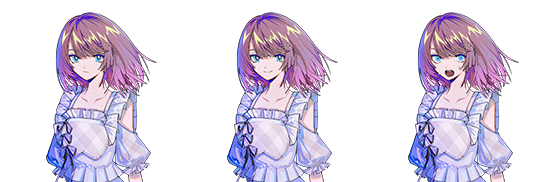
How to Change the Protagonist's Image

Steps to Update Player Image

1. Open the game's page on Steam.

2. Ensure the game is installed.

3. Click the gear icon on the right side of the screen and select "Manage," then "Browse Local Files." This will open the folder containing the game's files.

4. Place the images in the Jukashima_Data/StreamingAssets/player folder. Ensure the images adhere to the specified size and file naming conventions to be displayed correctly in the game.

Image Specifications

Size: 1920x1080 pixels

File Format: PNG with a transparent background

Number of Images: 11 (for different facial expressions)

File Names:

  • tsujo.png
  • odoroki.png
  • kyouki.png
  • hohoemi.png
  • egao.png
  • aseri.png
  • hensou.png
  • hensou_aseri.png
  • ikari.png
  • kanashimi.png
  • fushin.png

Note: "hensou" is displayed during undercover investigations. Enjoy preparing your favorite disguise illustrations.

For the Mac version, right-click on Jukashima.app and select "Show Package Contents." Then, place the images in Contents/Resources/Data/StreamingAssets/player.

Product Rating