Kinguin IconKinguin Icon
Cryptid Steam CD Key

Cryptid Steam CD Key

Offer from

GameDock

98.48% Excellent rating

Final price may vary with taxes/service fee

You may also like

Release Date: July 7, 2023

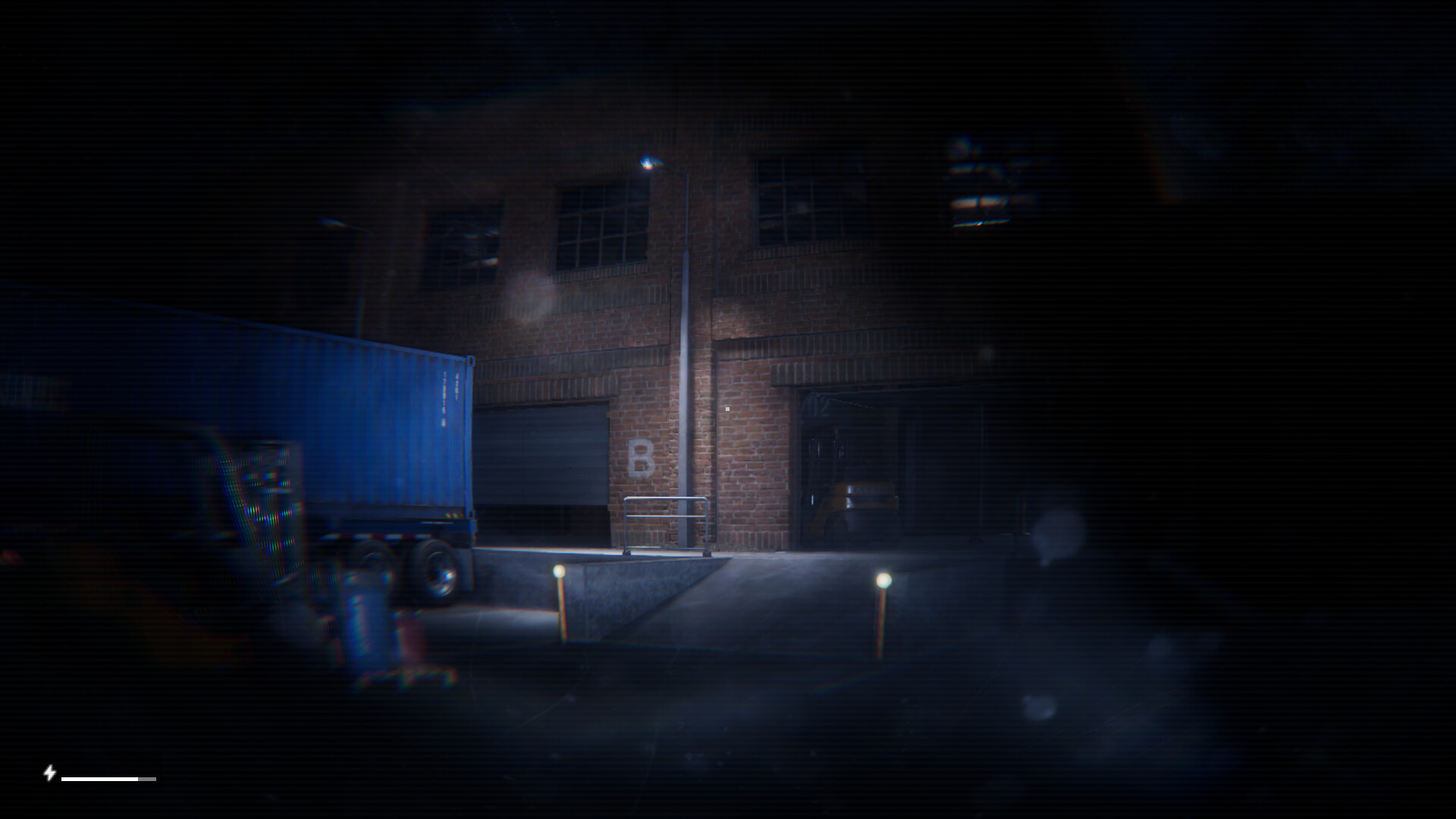
Cryptid is a single-player horror fps game that chronicles an experienced hunter and a creature's encounter from the perspective of the Body Cam.
Features

  • You are a veteran hunter.
    When you return home, things are not going well and you realize that there is no one left in your town. You realize from the shadows that a mysterious creature is following you. You dive deep into the town and forest to track it down.

  • A lot of things in town are broken or out of power.
    You must try to fix them in order to solve various mysteries and gain an advantage against the creature.

  • Don't forget that when you come face to face with the creature.
    It can kill you in one strike. You can use objects like traps and guns to scare the it.

  • There are multiple endings in the game.
    Each time you start a game, the creature's behavior changes according to your actions. You can have a different experience every time you play.
Windows

Minimum:

  • Requires a 64-bit processor and operating system
  • OS: Windows 10, 64 Bit
  • Processor: Intel i5 or new-gen i3 / AMD equivalent
  • Graphics: NVIDIA GeForce GTX 1050 4GB
  • DirectX: Version 11
  • Storage: 14 GB available space
Linux

Minimum:

  • Requires a 64-bit processor and operating system


Recommended:

  • Requires a 64-bit processor and operating system
Mac

Minimum:

  • Requires a 64-bit processor and operating system


Recommended:

  • Requires a 64-bit processor and operating system
  1. Go to: http://store.steampowered.com/ and download STEAM client
  2. Click "Install Steam" (from the upper right corner)
  3. Install and start application, login with your Account name and Password (create one if you don't have).
  4. Please follow these instructions to activate a new retail purchase on Steam:
    • Launch Steam and log into your Steam account.
    • Click the Games Menu.
    • Choose Activate a Product on Steam...
    • Follow the onscreen instructions to complete the process.
  5. After successful code verification go to the "LIBRARY" tab and start downloading.
Flag of GBEnglish
Flag of FRFrench
Flag of ITItalian
Flag of DEGerman
Flag of ESSpanish
Flag of CNChinese
Flag of JPJapanese
Flag of KRKorean
Flag of RURussian
Flag of TRTurkish

Get 10% coupon for your first purchase!

Sign up to our newsletter for discount codes and exclusive offers. To opt out, click unsubscribe in our emails.